
One clock. One conversation.
Calendars that sync both ways, a conflict check before anything is booked, the Noots bot sent to your meetings from the calendar, availability that reads every person in their own timezone, and a chat that already knows which project you are talking about - including the calls, which can put what was said back on the board.
- YouNew York · 10:00Free
- Design leadOslo · 16:00Free
- QA leadLondon · 15:00On leave · back Thu
- Ops leadDenver · 08:00Busy
Thursday, 10:00 to 10:45 - everyone inside their own working day
One person's block is a private appointment. It rules the slot out; its title is never shown to anybody.
Synced both ways, so there is only one answer.
Task due dates, project target dates, milestones, meetings and events, on one surface - beside the calendar your organisation already runs on.
- Two-way sync with Google Calendar and Microsoft 365 - an event created in Noots appears there, and a change made there comes back
- Title, time, description, location and attendees travel in both directions. An edit adopted from the provider is never pushed back, so nobody gets an invitation email for a change they made themselves
- Zoom is the room, not a calendar: your upcoming Zoom meetings sync in and appear on the calendar, and a booking whose room is a Zoom meeting updates that meeting when it moves
- An event says who is coming, what it is about and what the agenda is - and everybody who creates one gets those three fields, not only Autopilot
- “My events” includes the meetings you were invited to, not only the ones you booked
- Your local row is the source of truth: a provider outage never deletes an event, it marks the sync state and retries
- A remote copy that changed more recently wins, and the conflict is recorded rather than silently overwritten
- Reminders are a set, not a number - “ten minutes before” and “the day before” fire independently
- Title
- Time
- Description
- Location
- Attendees
- Google Calendarboth waysSynced 3 minutes ago
- Microsoft 365both waysSynced 2 minutes ago
- Zoomthe room follows a bookingMeetings synced in
Everybody's own clock, not yours.
One engine sits behind find-a-time, the in-project plan dialog and the meetings hub, so the three can never disagree about whether somebody is free. And every booking path asks the same conflict check before it writes a row.
- Every participant's working window is resolved on their local date, in their own zone - never in yours
- Approved time off blocks a slot, which it did not for the first three years this workspace had an approval workflow
- A private appointment blocks a slot too, and the payload carries two timestamps and no title
- Capped at fifty people, because a suggestion for two hundred looks complete and is not
- Ask part-time people for their hours every week, once a month, or let each person choose which - a monthly ask covers 4 weeks in one go, and somebody counts as part time whether the organisation recorded it or they said so themselves
- A week nobody answered is no opinion, never a week off: it falls back to that person's normal working hours, and only a week somebody actually submitted changes a suggestion
- Anyone who can manage members reads that person's schedule on their row in the Organization tab, and is told when a week changes
- You have “Sprint review” at this time
- Ravi is busy at this time
- Mia is on leave that day
- Jo isn't working at that time
Your own event keeps its title. Ravi's is two timestamps, and its title never reaches your screen. Book anyway skips the check and nothing else.
- Sprint reviewMon 10:00Google Meet
A Noots bot was sent to this meeting.
- Team lunchTue 12:30
No joinable meeting link was found on this event.
Swept every couple of minutes; the bot is sent a few minutes before the start, and what it heard lands back on the project through the same pipeline as any other meeting.
The bot joins from the calendar.
Switch auto-join on for your own connected calendar and the Noots bot is sent to each meeting with a joinable link a few minutes before it starts. What it heard lands back on the project, as any other meeting does.
- Your own answer always wins, in both directions: a person who switched it on keeps it, a person who switched it off is never sent a bot by anybody
- The workspace's own switch is only a default for somebody who never answered, so an admin can turn it on for everyone without overriding anyone
- An event without a joinable link is left alone and says so on the event, in words, rather than reporting nothing happened
- The sweep runs every couple of minutes and claims each meeting before it sends a bot, so two passes a second apart cannot send two bots to one call
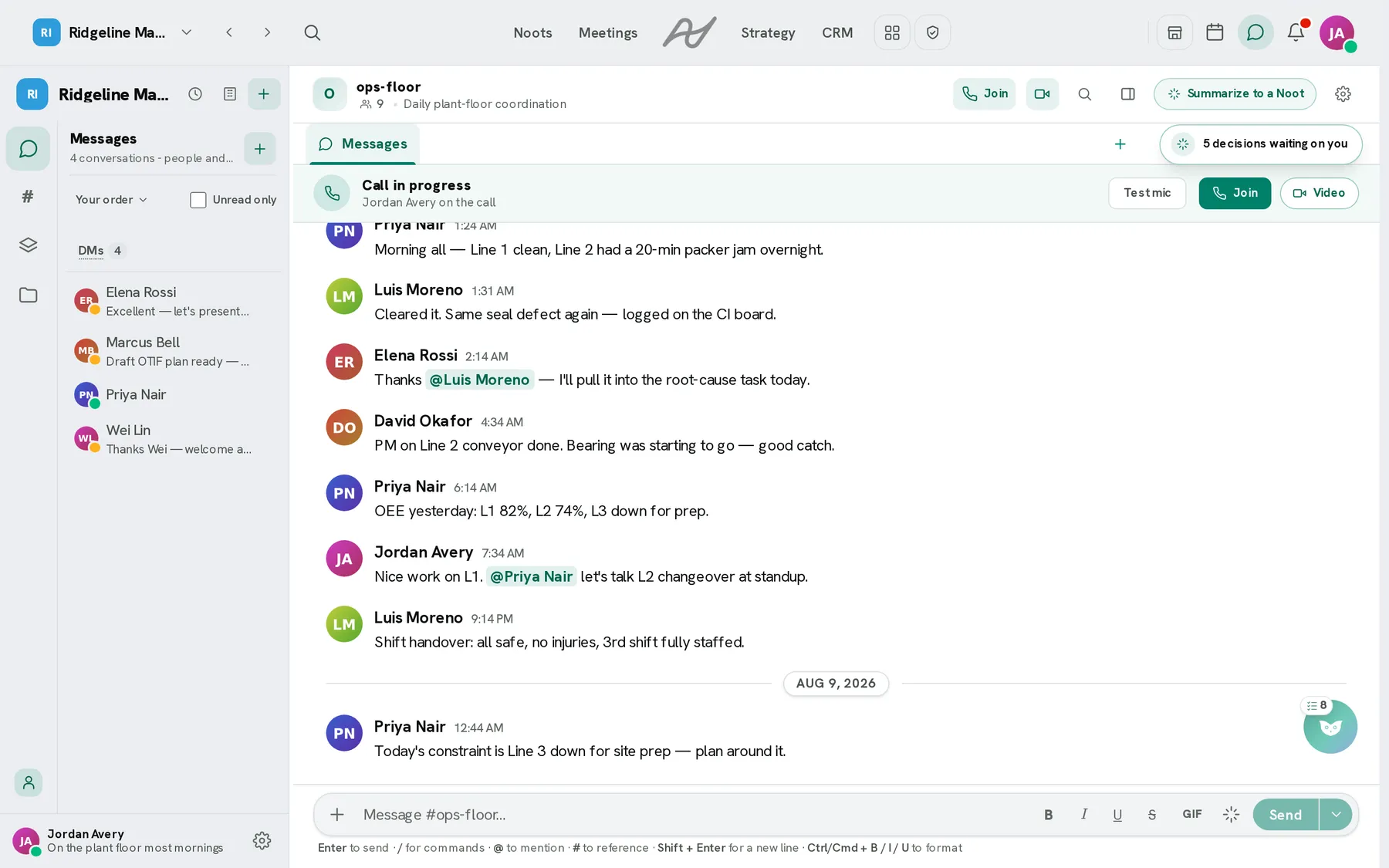
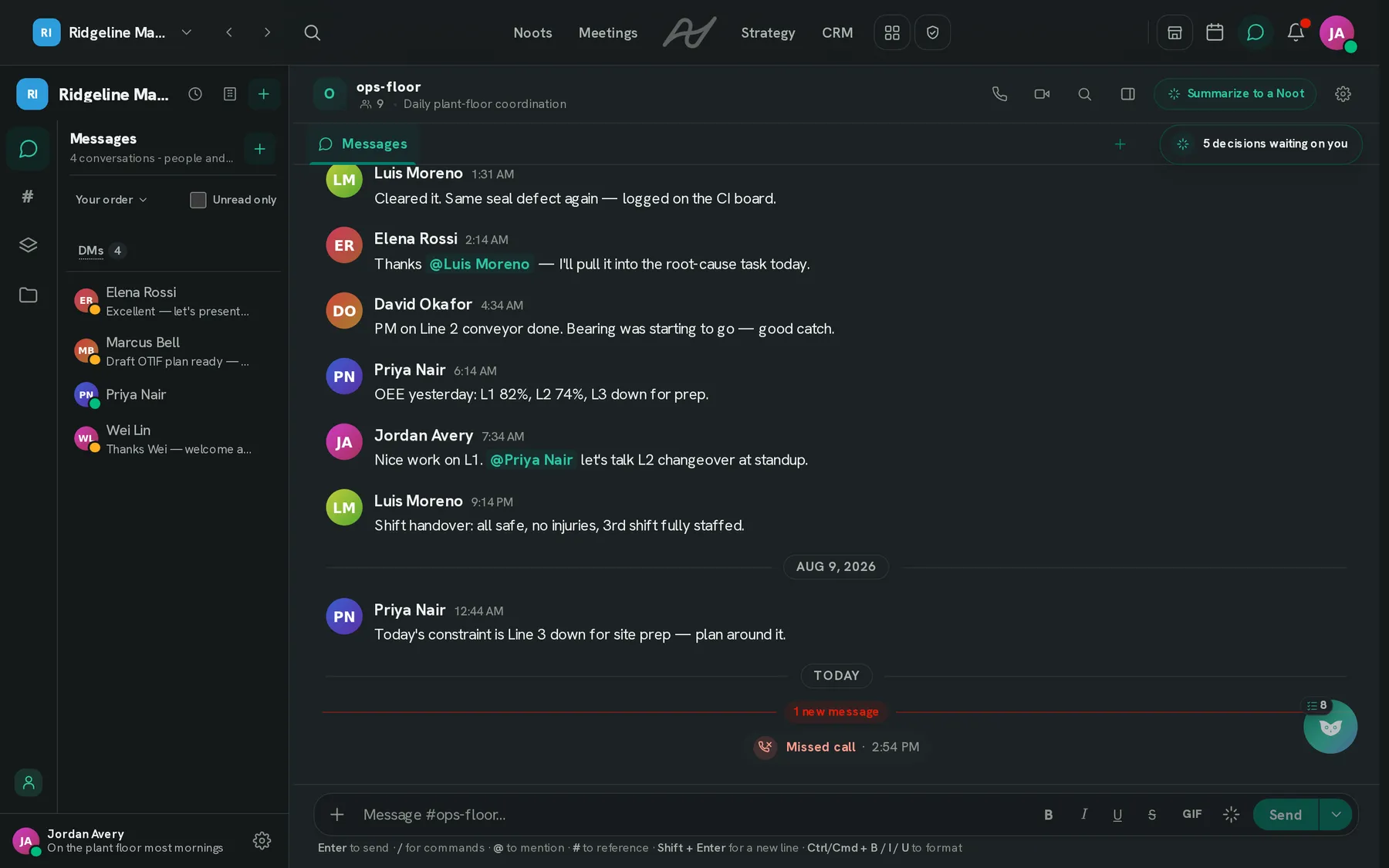
A chat that knows what you're working on.
One rail, one scroll, never a second column. Your people at the top under their own heading, then the projects, then the rooms - grouped under category headings, in an order that stays where you left it.
- A channel for each project, and for each org-level team and division - people are added to the ones they belong to
- A project's channel carries that project's own glyph and colour - the one place a channel earns a mark, because the mark is information
- Direct messages are windowed at eight, in place - the rest fold behind “Show all 31”, which carries the unread it is holding back
- One search, collapsed until you want it: scoped to the room you are in, and Backspace on the empty box widens it to the whole workspace
- Pin a conversation to a single task with /link, so the thread about MA-14 lives on MA-14
- Editing a message has the same mention picker as writing one, and @-ing somebody into a message you already sent tells them. Only them: fixing a typo in a message that already said @everyone does not ring the room a second time
- /summarize a thread, bounded and on request. Separately, a channel can notice work worth capturing and offer it as a card beside the message - on by default, and one switch in the workspace's AI settings turns it off
- A project channel carries its own tab strip: the project's board, timeline, Gantt or calendar as live views, plus the notes and grids the channel itself owns - one of each, and a view already pinned is greyed out
- A note or a grid written in a project's channel belongs to that project as well - one document listed in both places, never a copy that drifts, and it stays with that project
- /reconcile reads the conversation into the linked project with the same engine a meeting runs: tasks created and edited rather than duplicated, cards moved from what was said. It never runs by itself, it needs your permission to contribute to that project, and it waits twenty minutes between runs on the same room
The count beside “Show all 31” is computed from the unfiltered list, so folding a long list of people away can never make a badge lie about what you have not read.
Talk, then let the board catch up.
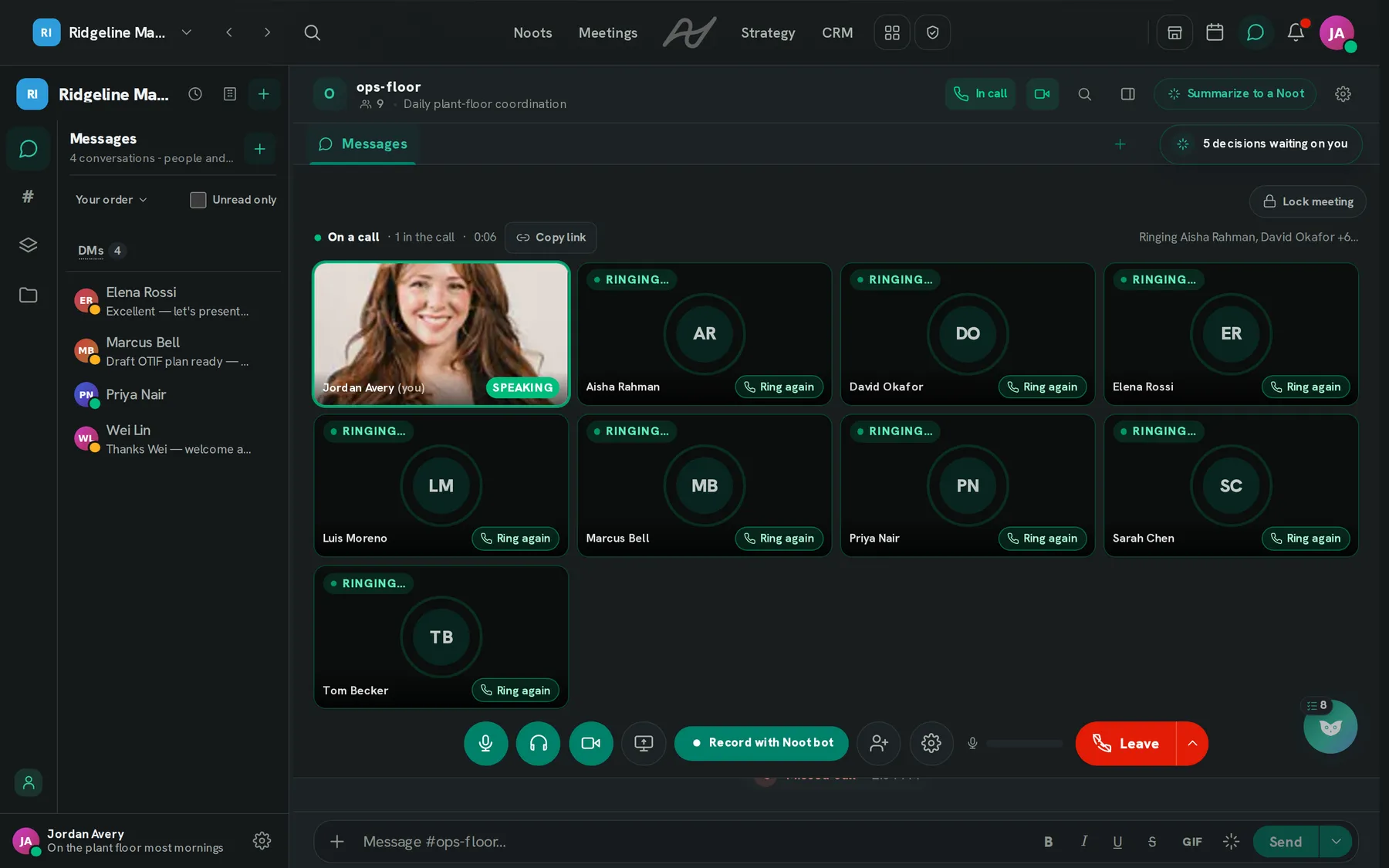
Voice and video are part of the workspace rather than a tab beside it - and a Noots call is a meeting like any other, which is what makes the rest of this possible.
- Voice, video and screen share, started from any conversation
- The call survives navigating anywhere in the app - it lives above the router, not inside a page
- Minimise without hanging up, and it re-expands itself when something material happens
- A call that loses its last participant ends itself, instead of telling a channel somebody is still in it for ever
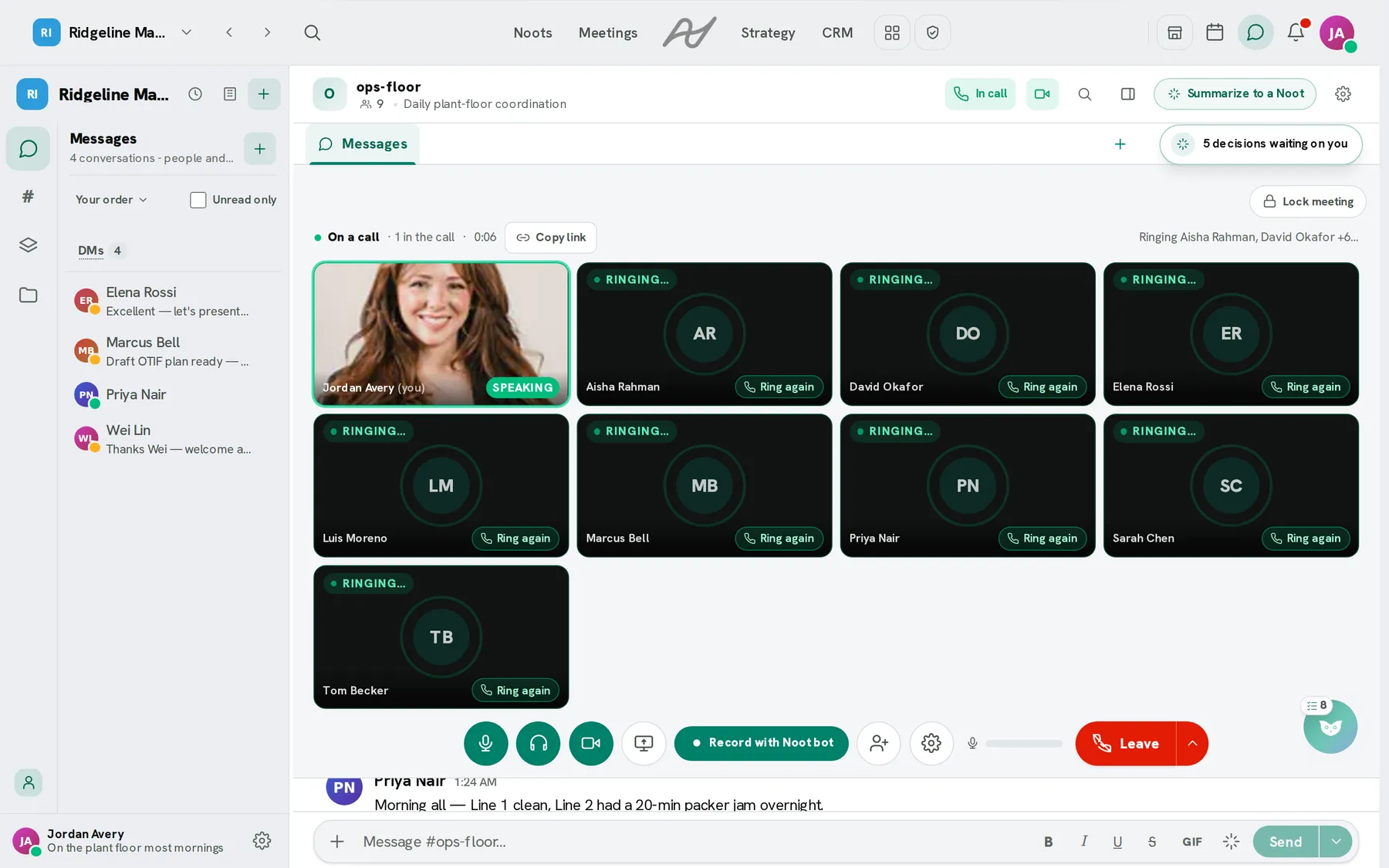
Live notes, while it runs
The in-house bot writes up short stretches as the call goes, so the panel has something in it in the first half-minute rather than the first two. It is opt-in and off until an admin turns it on, and an empty panel tells you which kind of empty it is.
And then the board
When the call ends the recording goes through the same pipeline as a Zoom or Teams meeting: summary, decisions, action items, and tasks on the project with owners. The live panel is a preview of it, never a substitute for it.
It knows what time it is where they are.
One definition of “is now a good time to message this person”, shared by the hint beside their name and the prompt before you press send - so the two can never disagree about the middle of somebody's night.
Asleep
A strict local band, 22:00 to 07:00. It outranks everything else, because it is the only signal that holds no matter what anyone configured.
Muted
They have told the product not to be disturbed. The composer says so before you send, not after.
Off the clock
Outside their working hours is a softer thing than the middle of their night, and the product treats it as one.
Offer to send it in the morning and the message is held and delivered then. The prompt is skipped for a large group, because interrupting a note to forty people because one of them is asleep is noise nobody can act on.
Before you connect anything.
Does connecting a calendar mean handing over my whole diary?
Will the bot join every meeting on my calendar?
Is this a second Slack?
Can I delete a channel that was created automatically?
Does anything remind me a meeting is starting?
Can I invite people to an event I create myself?
Do the live notes during a call become the meeting record?
What we don't claim
- Two-way sync is Google Calendar and Microsoft 365. Zoom meetings sync in and a booking's Zoom room follows it; Zoom is not a calendar and is not synced as one.
- Auto-join needs a joinable meeting link on the event. An event without one is left alone, and the event says so.
- Availability suggestions are capped at fifty people.
- Live call notes are off until an administrator turns them on.
- Nothing is inferred from a timezone we do not have - the product stays quiet instead of guessing.
Stop paying three vendors to disagree about Thursday.
Chat, calendar, availability and calls, in the same place as the work they are about.
Free to start · no credit card required